Guide
How to open a .tar.gz file on iPad & iPhone
A .tar.gz file is two layers — a tar bundle compressed with gzip — and iPadOS can't open either one on its own. 7zen unpacks both in a single tap. Here's how.
Free · 1.3 MB · iOS/iPadOS 16+ · No ads, no subscription
Open a .tar.gz file in 4 steps
Install 7zen (free)
Get 7zen from the App Store. No ads, no sign-in, nothing to unlock.
Tap your .tar.gz file
In the Files app — or Mail, a Safari download, or AirDrop — tap the .tar.gz (or .tgz) file. 7zen opens it automatically.
See what's inside
7zen decompresses the gzip and unpacks the tar in one step, so you see the real files — with previews — right away.
Extract & save
Extract everything or just what you need, then save to Files, iCloud Drive, AirDrop, or any other app.
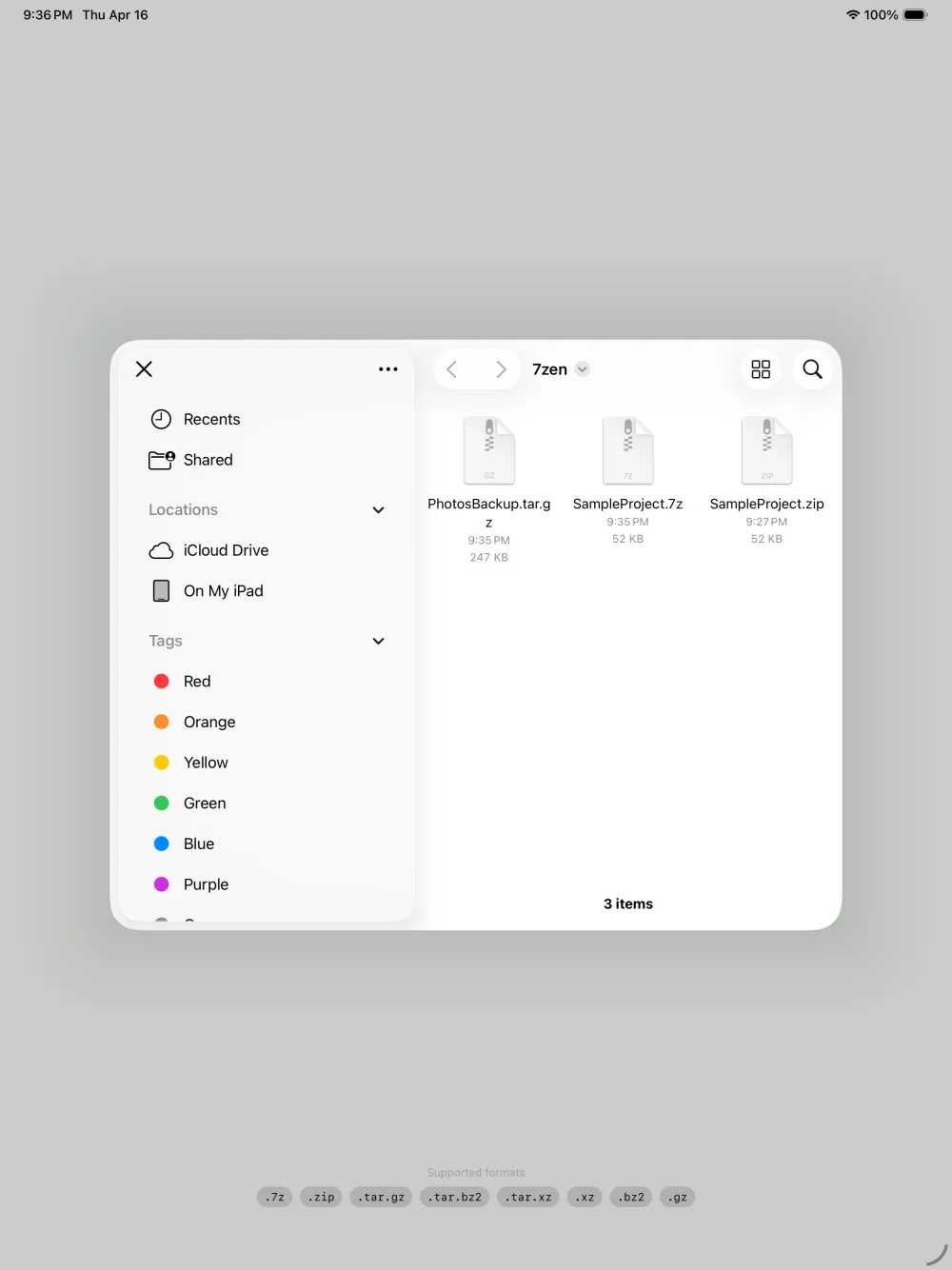
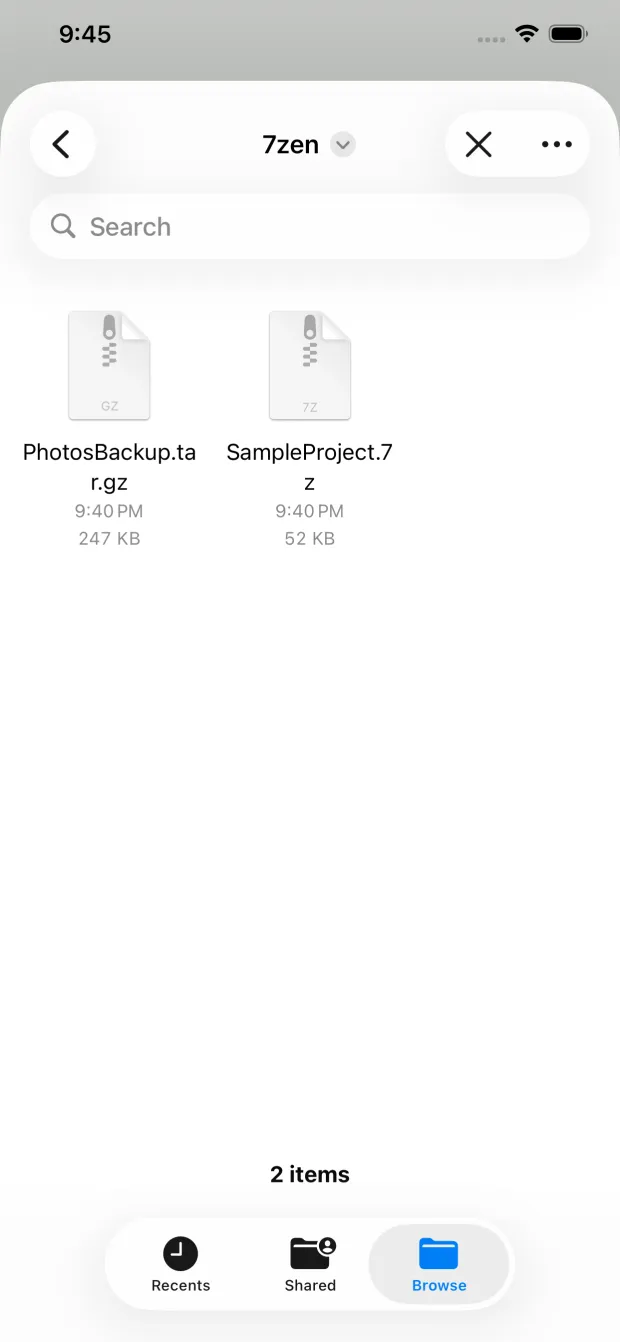
Why doesn't iPadOS open .tar.gz?
The Files app only knows .zip. A .tar.gz uses the Unix tar container plus gzip compression — formats common on Linux, in source-code releases, and in server backups, but unsupported by iOS out of the box. 7zen adds decoders for the whole tar family.
Every tar variant, plus the rest
Frequently asked questions
What is a .tar.gz file?
A .tar.gz (also seen as .tgz) is a tar archive — many files bundled into one — that has then been compressed with gzip. It's common for source code, Linux software, and server backups.
Do I have to decompress and un-tar separately?
No. 7zen handles both layers in one step — it decompresses the gzip and unpacks the tar so you see the real files immediately.
Does it open .tgz, .tar.bz2 and .tar.xz too?
Yes. 7zen opens .tar.gz, .tgz, .tar.bz2, .tbz2, .tar.xz, .txz, and plain .tar, plus standalone .gz, .bz2 and .xz files.
Is it free on iPhone and iPad?
Yes. 7zen is completely free with no ads, in-app purchases, or subscription, on both iPhone and iPad (iOS/iPadOS 16+).