Guides
How to open archive files on iPad & iPhone
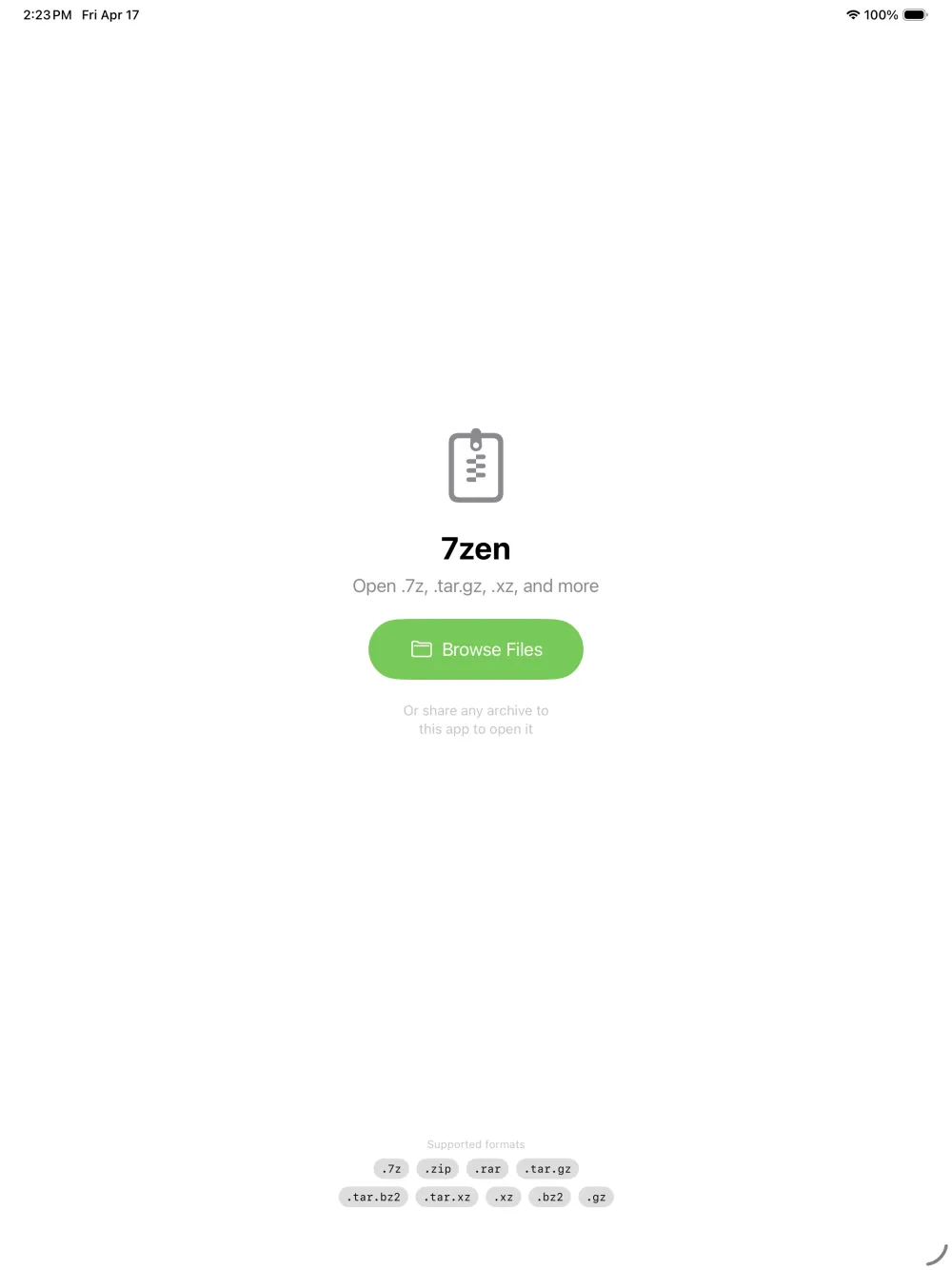
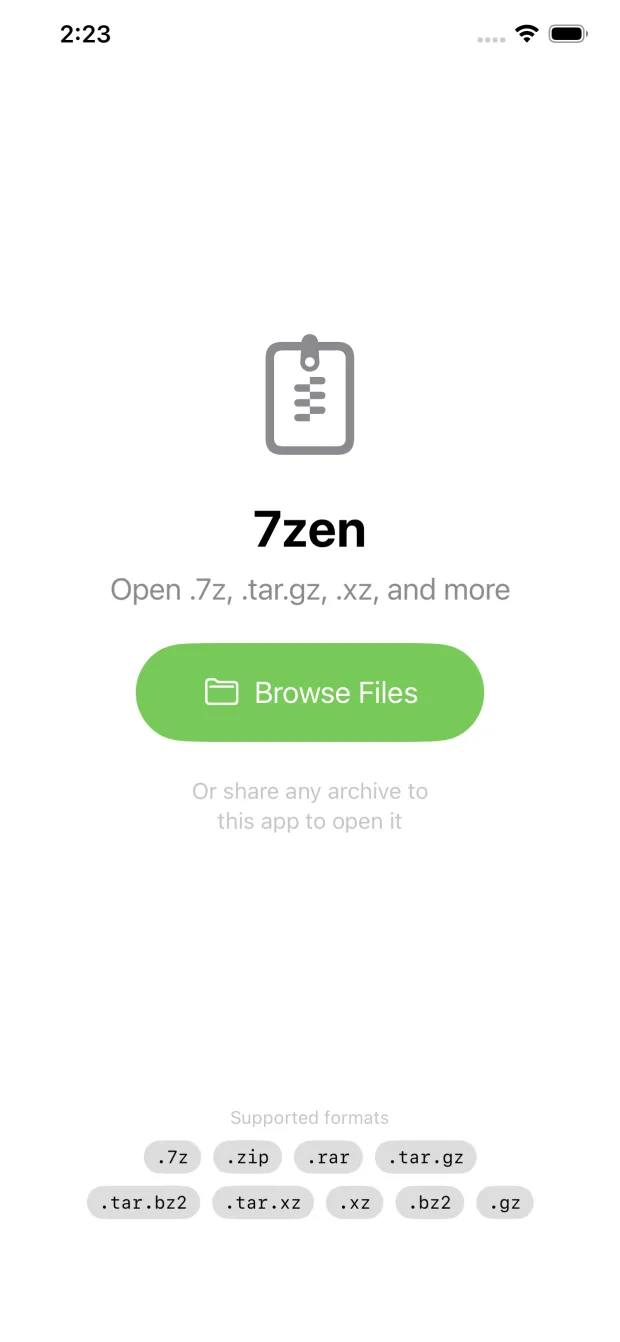
iPadOS and iOS can unzip a plain .zip and nothing else. For 7z, RAR, tar.gz and every other compressed format you need a real archive opener. Pick your format below for the exact steps — or grab 7zen and open them all.
Free · 1.3 MB · iOS/iPadOS 16+ · No ads, no subscription
Guides by format
Which formats does iPadOS support?
Apple's Files app includes one built-in unzipper, for the .zip format. Everything else needs an app:
Built in to iPadOS / iOS
Needs an app like 7zen
The general steps (any format)
Install a free archive opener
Get 7zen from the App Store — no ads, no sign-in.
Tap the archive
From Files, Mail, a Safari download, or AirDrop — tap it and 7zen opens it automatically.
Preview, extract, save
See what's inside, preview any file, then extract all or some to Files, iCloud, or any app.
Frequently asked questions
What is the best app to open archives on iPad?
7zen opens every common archive format — 7z, RAR, ZIP, tar.gz and more — for free with no ads, no subscription, and no tracking. It previews files before extracting and never connects to the internet.
Which archive formats can't iPadOS open on its own?
iPadOS and iOS only handle .zip natively. They have no built-in support for .7z, .rar, .tar.gz, .tar.bz2, .tar.xz, .gz, .bz2, .xz, or .lz4. An app like 7zen adds all of those.
Is there a free archive opener for iPhone with no ads?
Yes. 7zen is completely free with zero ads, in-app purchases, subscriptions, or tracking. It works on iPhone, iPad, Apple Silicon Mac, and Apple Vision Pro.