Guide
How to open a RAR file on iPad & iPhone
iOS and iPadOS can unzip .zip files on their own, but they can't open .rar archives at all. To unrar on your iPad or iPhone you just need a free RAR opener. Here's how, step by step.
Free · 1.3 MB · iOS/iPadOS 16+ · No ads, no subscription
Open a .rar file in 4 steps
Install 7zen (free)
Get 7zen from the App Store. No ads, no sign-in, nothing to unlock.
Tap your .rar file
Open the Files app — or Mail, a Safari download, or an AirDrop — find the .rar file and tap it. 7zen opens it automatically.
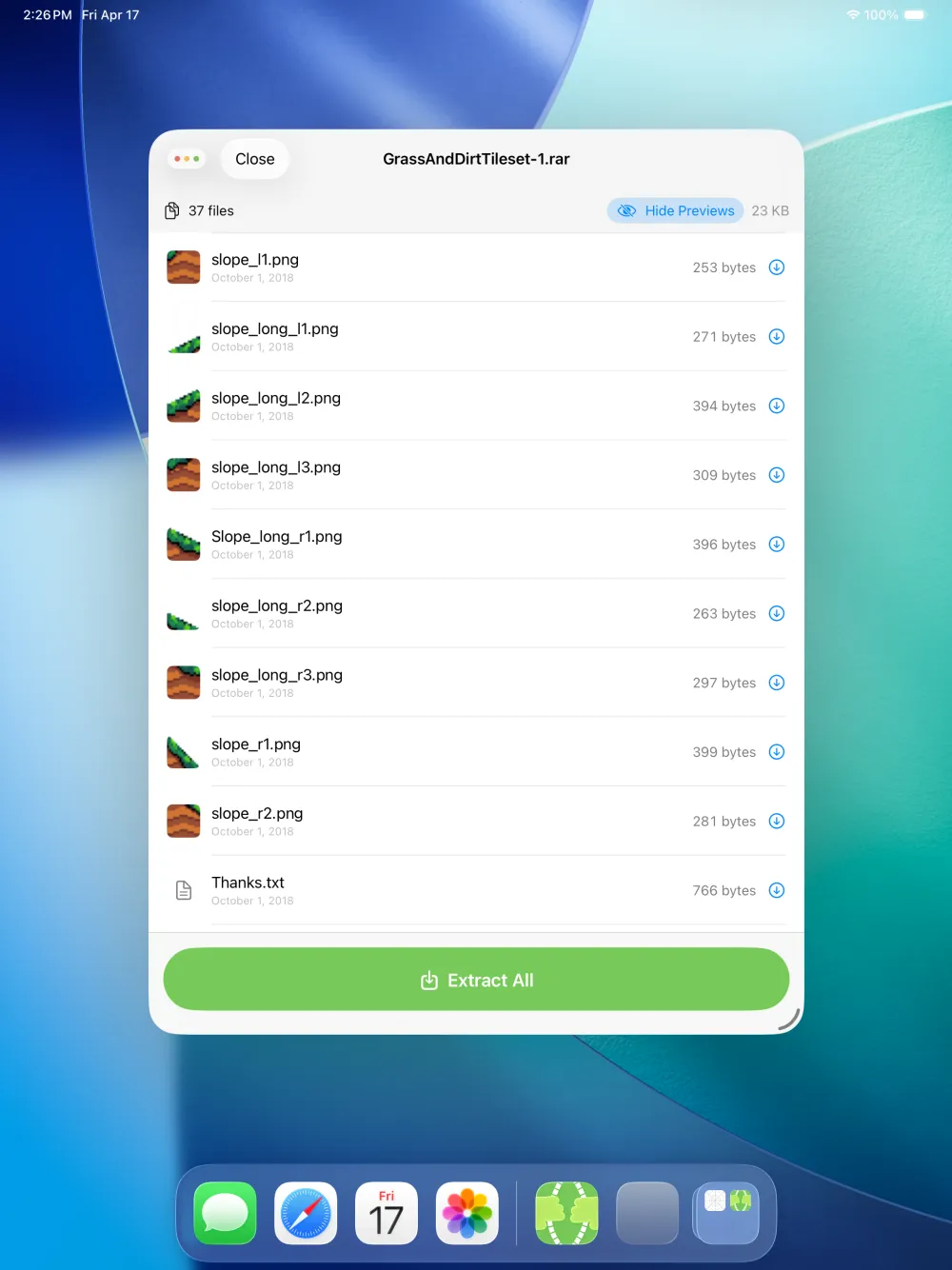
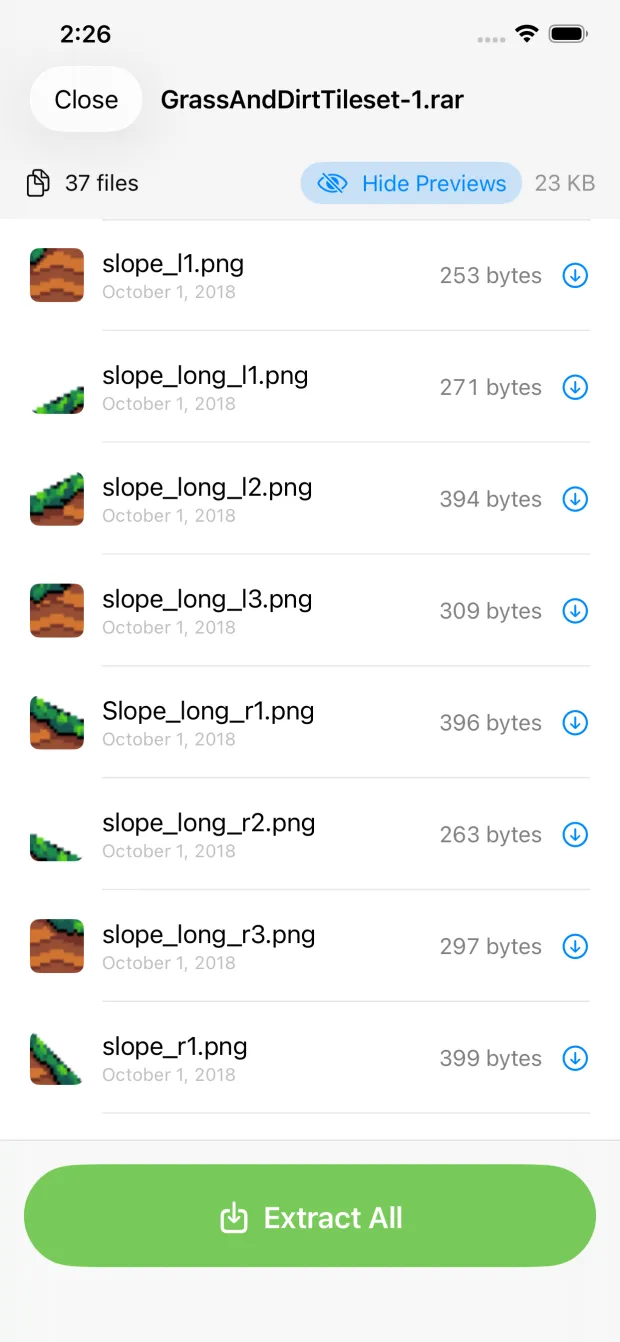
See what's inside
7zen lists every file with its name, size, and date. Tap any file for a full-size preview before you extract anything.
Extract & save
Extract the whole archive or just the files you need, then save to Files, iCloud Drive, AirDrop, or any other app.
Why won't my iPhone open a RAR file?
RAR is a proprietary format created by WinRAR. Apple ships a built-in unzipper for .zip in the Files app, but it has never supported .rar. So a tapped .rar typically does nothing useful until you install an app that includes a RAR decoder. 7zen adds exactly that.
One app for every archive
7zen isn't only an unrar tool — it opens the formats iOS ignores:
Frequently asked questions
Why can't my iPhone open a RAR file?
iOS and iPadOS open .zip files natively but include no support for the .rar format. You need an app like 7zen to read and extract RAR archives.
Is there a free way to unrar on iPad?
Yes. 7zen opens and extracts .rar files completely free — no ads, no in-app purchases, and no subscription.
Can 7zen open multi-part RAR files?
7zen opens standard .rar archives. For multi-part sets (.part1.rar, .part2.rar, …), keep all parts together in the same folder and open the first part.
Does it work on iPhone too?
Yes. 7zen opens .rar files on iPhone, iPad, Apple Silicon Mac, and Apple Vision Pro. It requires iOS or iPadOS 16 or later.